


When AI turns a messy brief into a runnable prototype
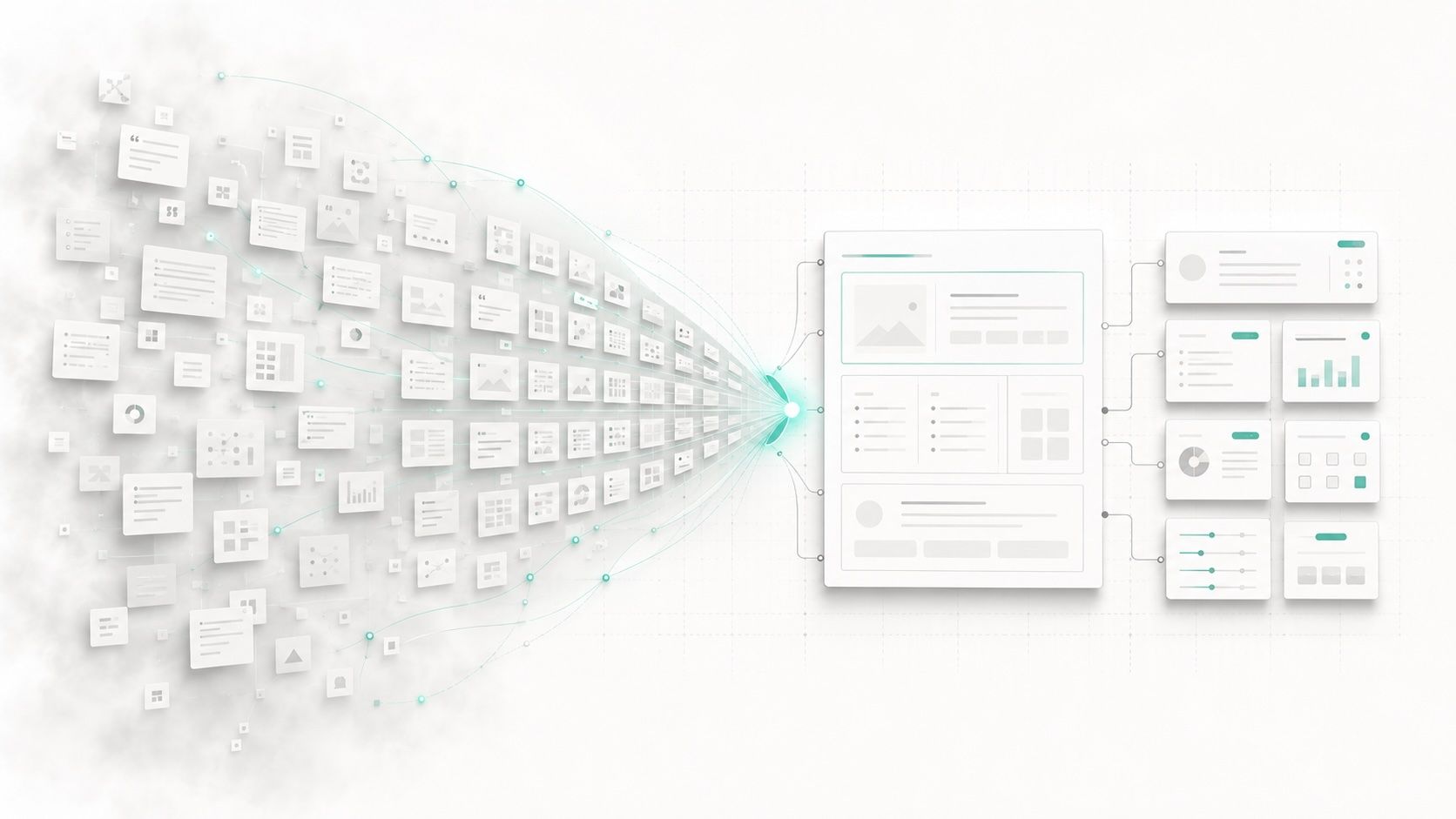
The first time our team used an AI prototyping tool in anger, the thing that stood out wasn’t the UI it gave us. It was the speed with which our design phase stopped looking like a slide deck and started behaving like a system.
We began where we always begin: scattered notes from sales calls, screenshots of competitor flows, a FigJam board full of half-baked ideas. A few years ago, that mess would have turned into wireframes, then high-fidelity screens, then an endless comment thread about edge cases nobody had really thought through. This time, we did something different. We treated the mess as input for a set of agents whose job was not to “make UI” but to produce something we could actually try to break.
Within a couple of hours we had a runnable prototype: permissions, basic states, a shaky but functional happy path. It looked more finished than our thinking actually was—which, as we found out, is both the promise and the trap of AI.
From static artifacts to an executable design loop
AI is changing the design phase, but not in the way the pitch decks promised. The interesting part isn’t that we can make more screens faster. The interesting part is that the design phase itself is becoming executable.
In SaaS and platform teams that work with agents instead of just tools, design is no longer a sequence of static artifacts—personas, journey maps, wireframes, mockups, handoff. It’s a loop: research, assumptions, runnable prototypes, evaluation, system constraints, iteration. The designer’s output stops being a stack of Figma files and starts to look more like an operating manual for how the product—and the agents inside it—are allowed to behave.
Why workflow redesign matters more than AI adoption
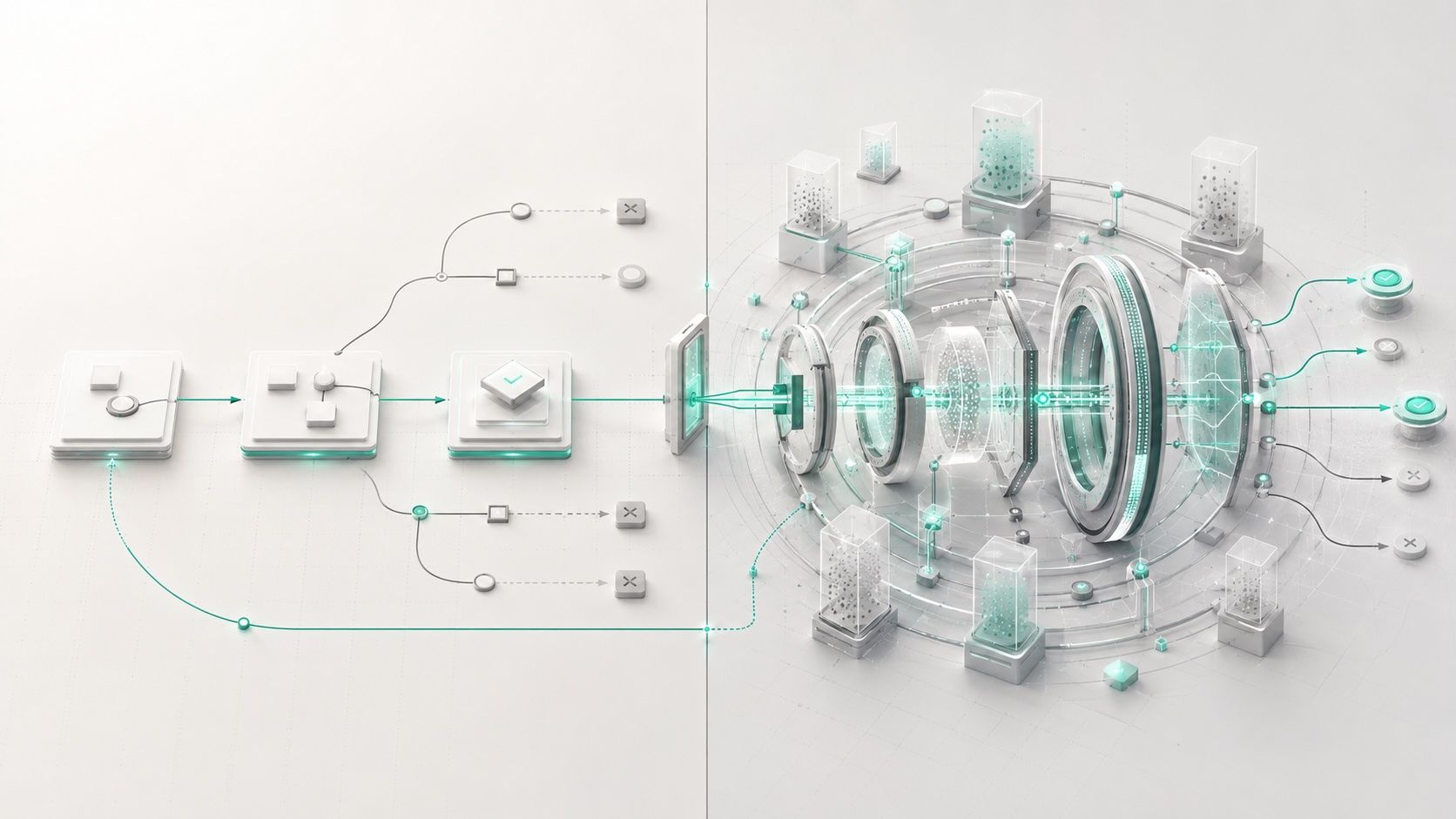
Most companies aren’t there yet. McKinsey’s 2025 State of AI survey reports that 88% of organizations now use AI in at least one business function, but for most of them, AI is still an experiment bolted onto old workflows. The strongest performers are nearly three times more likely to have redesigned their workflows around AI and to be further along in scaling AI agents.
That distinction matters for design. If the process doesn’t change, AI just adds a chat box to the same old bottlenecks. When the process does change, the design phase itself gets rewritten.
This article is about that rewrite—specifically for people working on SaaS and platform products. It’s about what happens when prototypes start to behave, when interfaces serve both humans and AI agents, when design systems become machine-readable, and when the handoff between design and engineering collapses into a shared, executable artifact. And it’s about what senior designers like Aliyeh are actually left doing when AI “cleans the mess” and doesn’t stop there.
The limits of traditional design artifacts
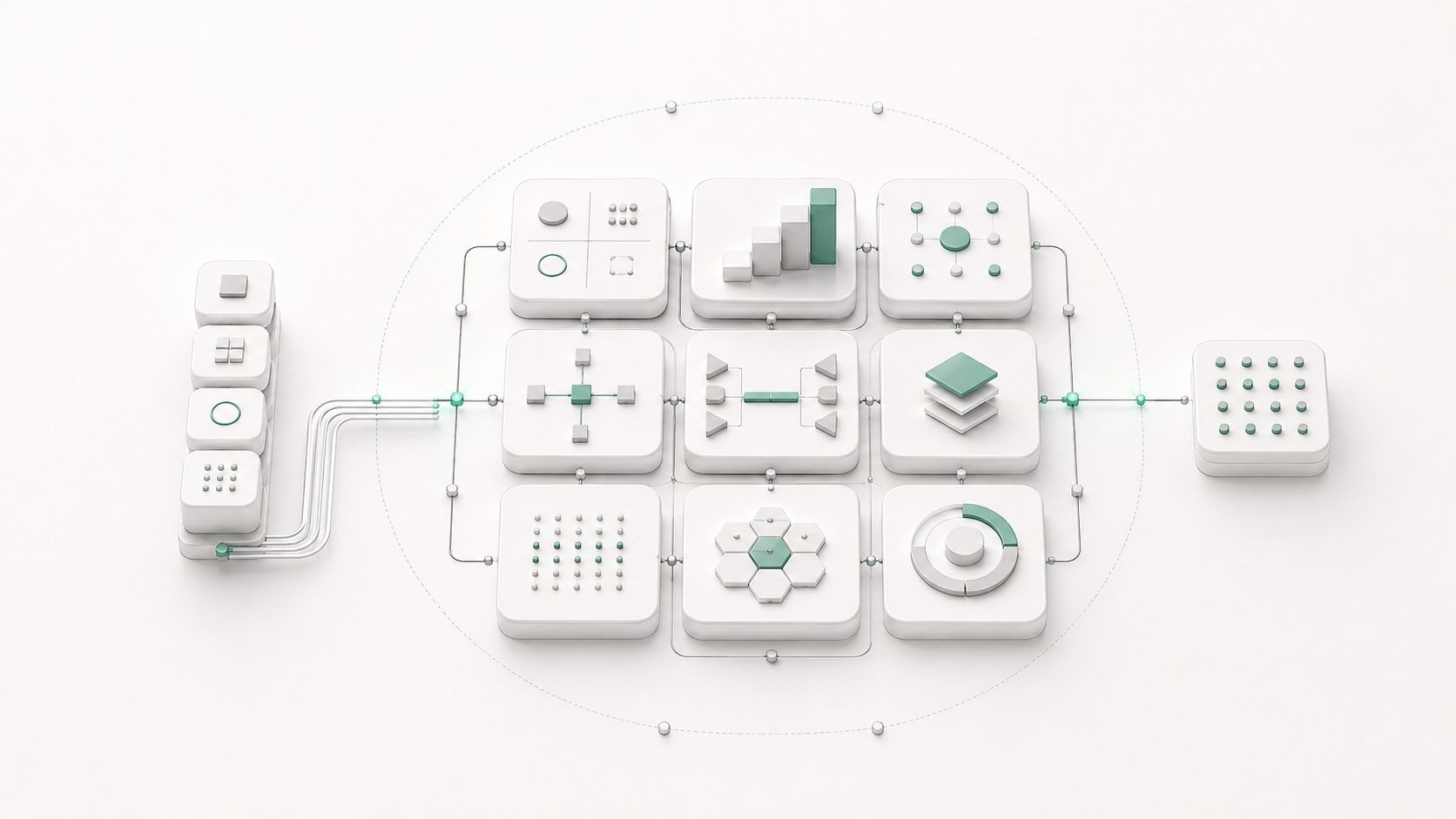
In the traditional SaaS project, the design phase generated piles of evidence that something was happening. We’d interview five or ten users and turn their quotes into personas. We’d map out journeys with sticky notes and arrows. We’d sketch flows, wireframes, high-fidelity UI. Maybe we’d stitch a prototype together to placate stakeholders who needed to “see it click.”
All of those artifacts were useful, up to a point. They helped teams talk about the product. But they were also incomplete by design.
A journey map cannot tell you what happens when an automation fails silently. A static flow diagram does not show you how an AI assistant should respond when it’s 60% confident instead of 95%. Even a beautiful prototype rarely encodes the boring but dangerous stuff: permissions, audit trails, reversibility, failure recovery.
AI-native tools that make behavior visible

AI-native tools don’t fix that automatically, but they move the problems closer to the surface.
When a designer sits down with a system like Figma Make or v0 or Bolt, the output isn’t a flat mockup. It’s an artifact you can actually poke. Buttons respond, forms submit, data flows in some direction.
In one internal example Figma has shared, a team used Make to prototype a complex grid interaction in about an hour and a half—something that would previously have required several days of coded prototyping. The real story there isn’t “grid in 1.5 hours.” It’s that a designer was able to test how a piece of product behavior felt before anyone committed to an architecture or filed a ticket.
How runnable prototypes change design conversations
Once you can feel the behavior, hand-waving gets harder. Instead of arguing about whether a dashboard layout “looks clean,” you find yourself asking whether an AI-generated summary is allowed to update the underlying record without human confirmation. Instead of debating color on a button, you’re trying to decide what happens to a customer’s data if an agent misclassifies a ticket three times in a row.
AI helps here, but not as a stylist. It helps by making it cheap to get a first draft of the behavior out where everyone can see it.
The gap between polished screens and brittle behavior
There’s a catch. A prompt-to-app tool can give you something that looks like a finished product in the time it used to take to name a Figma page. A recent human-centered benchmark of these systems—testing 288 generated apps from 96 prompts across tools like Replit, Bolt, and Firebase Studio—found a consistent gap between visual polish and functional reliability. Participants trusted what they saw less once they tried to use it. The screens were shiny; the behavior was brittle.
For design teams, that gap is exactly where things get interesting. AI makes it easier than ever to create something that looks like a product before it behaves like a product. That doesn’t make designers less necessary. It makes them more accountable.
Someone has to decide whether the experience is coherent, whether the states cover real-world mess, whether a human will actually trust the agent enough to let it act on their behalf.


